How can I recover my file once it has been processed by Dropcontact?
Once your file has been processed, you'll receive a report email. You can access and download your enriched file directly from your dashboard.
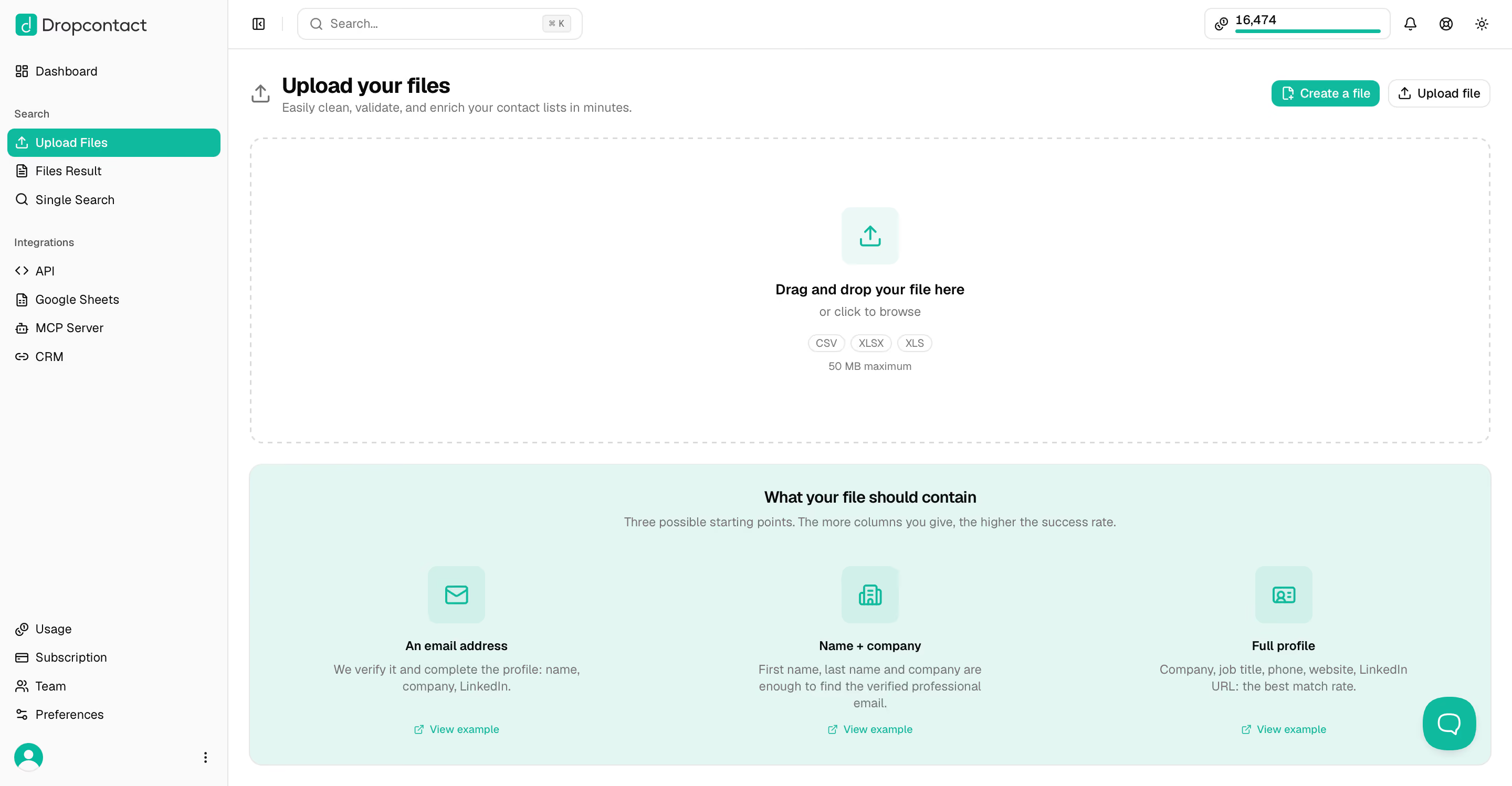
Upload your file
Go to the Upload Files section and drag and drop your CSV, XLS, or XLSX file (50 MB max).
Access your results
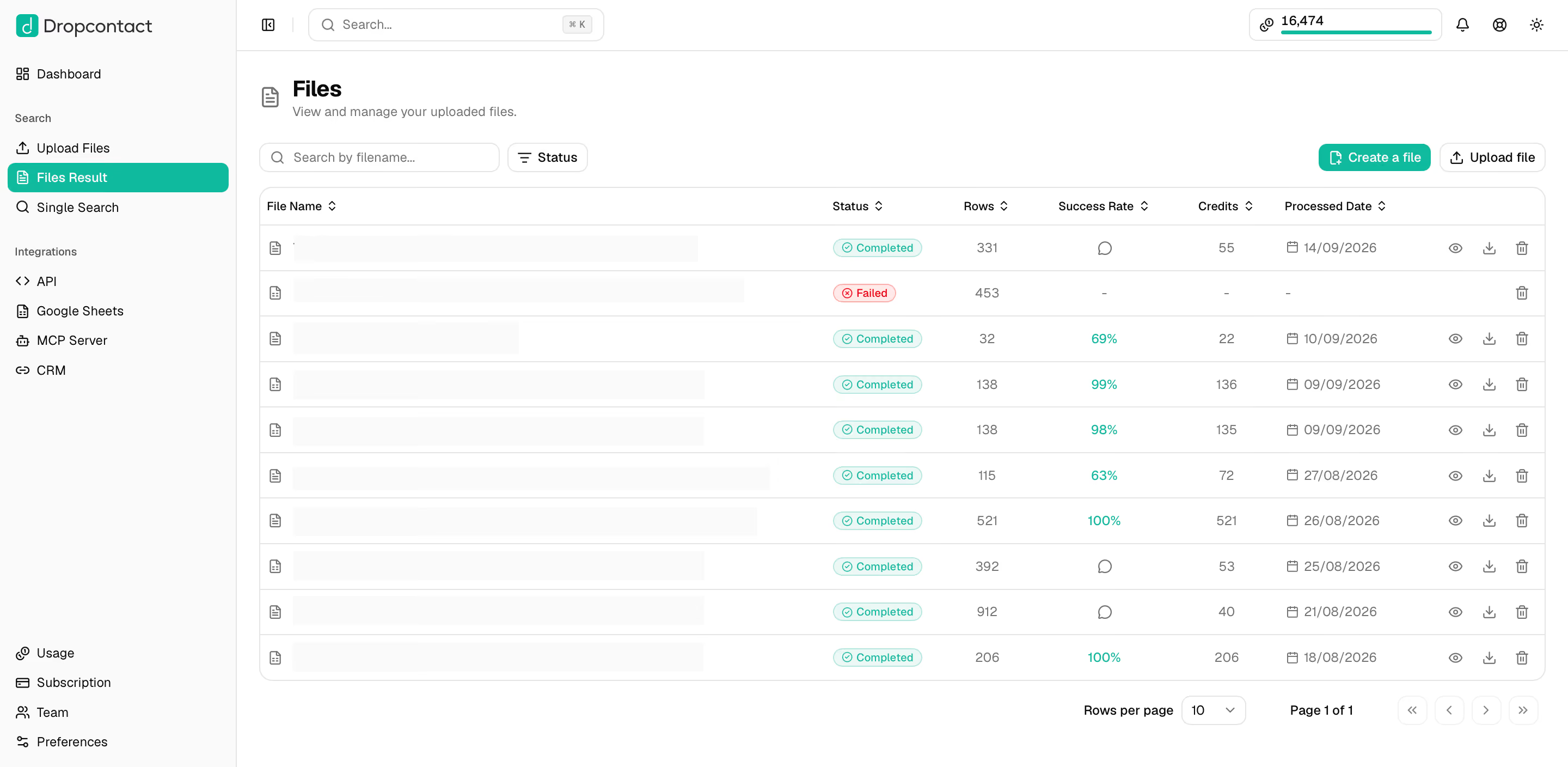
Once processing is complete, go to the Results section. There you'll find your file's row count, success rate, and the number of credits used for the emails found and verified.
Click the download icon next to your file to download it.
Understanding the credits used on your file
Dropcontact operates on a Pay on Success model: a credit is charged when Dropcontact finds an email for a contact, or when an email you provided is verified. If no email is found or verified for a contact, the credit is automatically refunded.
How long is my file available?
In accordance with GDPR, all files older than 30 days are automatically deleted. Make sure to download your file within this timeframe.
Got a question about your results? Reach out to us at support@dropcontact.com 💌